Home > Biohacking
All about RFID implants
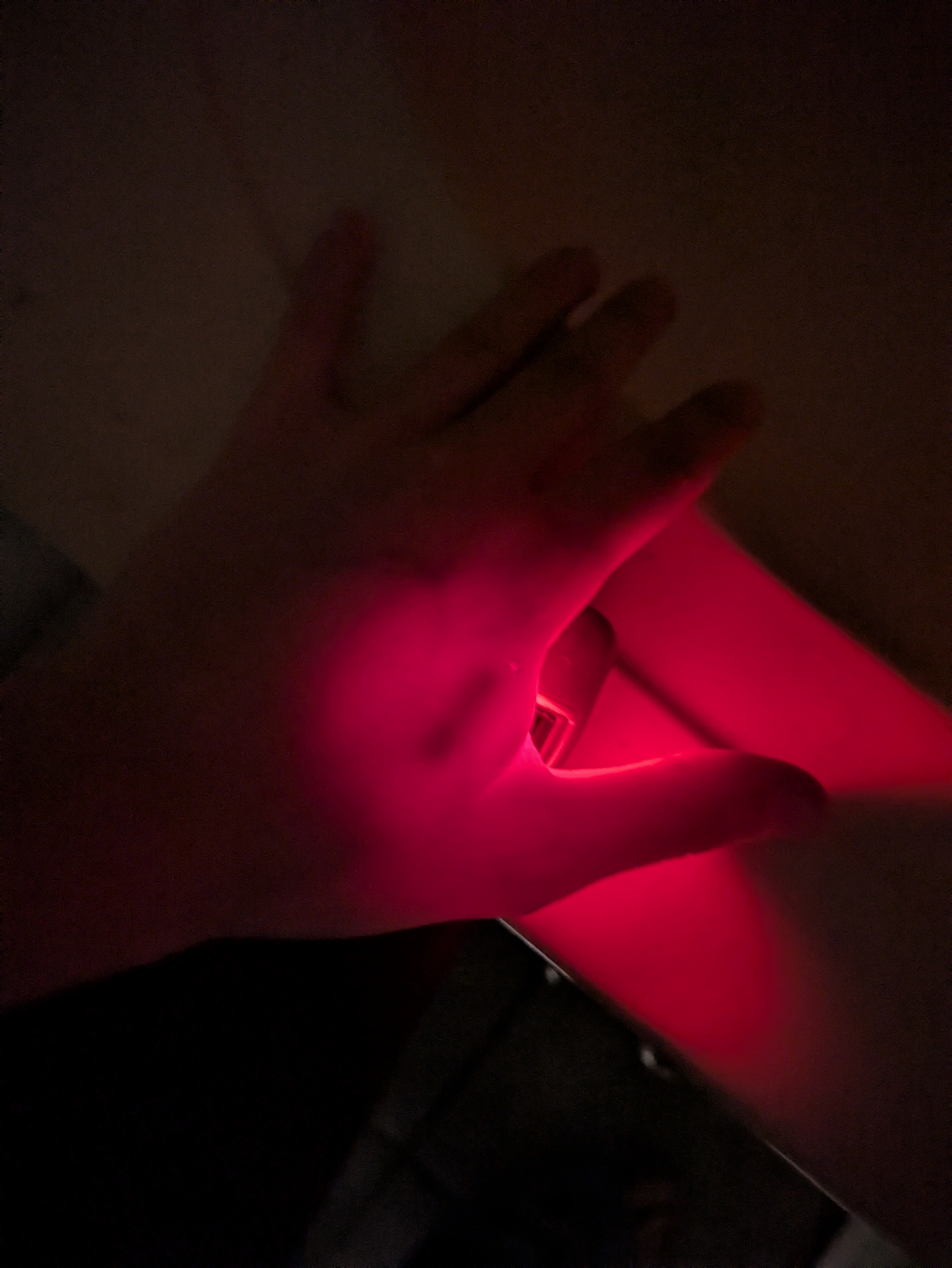
I have the NExT v2 implant from Dangerous Things in my left hand. This is a microchip that can be injected under the skin and can stay in a person's body for their whole life. My implant has two chips: a high frequency NFC NTAG216 chip that can be read by smartphones, and a low frequency RFID 125kHz T5577 chip that can emulate access cards and keyfobs. I currently have a link to my website and my work access card on it. It also has a white LED that lights up when the NFC chip is powered.
Click here to see gallery
Video of my microchip injection
Why did I do this?
Because it's cool!!!!!!!!!- - - - - - - - - - - - - - - - - - - - - - - - - - -
Getting Microchipped: A Guide
I injected my own microchip and you can too!!!! It is not as dangerous as it sounds. This is not a professional guide but I have done this successfully 3 times so I kinda know what I'm talking about.
Preparation
The first step is choosing what chip you want. Dangerous Things is a reputable company to buy from but there are some other options out there as well. Research the options and pick one that best fits your needs.
Before buying a chip, it's a good idea to have a plan for implanting it. There are a couple options for how you can do it. Dangerous Things recommends going to a body modder or piercer who is willing to do it for you. They have a list of places that will do it on their website. You can also do it yourself or ask a friend to do it for you. (If we know each other IRL I will do it for you!) Either way, you need to be familiar with the procedure beforehand. It's a bad idea to blindly trust that whoever you go to will do it right, even if they're a professional.
Also decide where you want the chip. The most common place to put a chip is on the back of the hand in between the thumb and index finger. That placement is the easiest to do correctly and leaves more room for error than any other location on the hand. The outer edge of the hand is also a common spot, but most people don't have as much loose skin in that area which makes it more difficult to do the injection at the right depth. It doesn't work to put a chip on the palm side of the hand because it would be exposed to too much pressure and probably break, assuming the outer casing is made of glass. Anyway, between the thumb and index finger is pretty much considered the default spot for the first chip a person gets. So that's what I would recommend. Non-hand placements are an option, but they are more of a pain to scan so they're a lot less common.
The installation procedure
Study these resources to know how to do it:
Professional guide to x-series injectable product installation.pdf
The founder of Dangerous Things demonstrates the injection procedure
Before starting, the person getting microchipped and anyone helping should eat something to raise their blood sugar. That makes it less likely to start feeling dizzy, which can happen to anyone involved, not just the person getting the chip. The injection usually isn't very bloody or horrifying, but witnessing it can still make people feel weird sometimes.
I also recommend marking where the chip will go with a sterile pen. Or a sharpie or something, I'm not sure how much it matters since a later step is disinfecting the area anyway. For the placement between the thumb and index finger, the chip should be positioned halfway along the first bone in the index finger and be parallel to it. In all cases, the chip needs to be at least 5mm away from any bones.
For the actual injection, follow the steps from the links above. Do not try to do the injection as fast as they do it in the video. It's better to go slow and be careful since you haven't done it hundreds of times like the guy in the video. It's very important to pinch the skin while doing the injection because that makes it easy to put the chip at the correct depth. It needs to be completely under the skin layer, but not so deep it's in the muscle layer. The layer of fat in between the two is the only viable depth. So pinching the skin to separate it from the muscle layer lets the needle naturally go into the space between them. If you're doing the injection on yourself, you need a helper to pinch the skin for you. Using a clip or something doesn't work well because it will pinch too tightly and not let the needle go in.
The healing process
Healing takes about a month, though in my experience my hand only hurt for the first couple days. A scab also forms over the incision after a day or two, so the danger of infection is gone after that. During the full healing time, anything that involves tightly gripping things or moving your hand around a lot can cause the chip to migrate. For some people it migrates no matter what, and it's not necessarily a bad thing. As long as the chip doesn't end up too close to any bones, it should be fine. Most chips migrate back toward the incision site a little bit. Sometimes people choose to use their hand normally to cause the chip to migrate to the most natural location. I barely used my hand at all for the first week because I am overly cautious, and I experienced virtually no migration. About a year later, I've had no issues with the chip. I have a small scar from the incision that hasn't completely gone away. The chip is visible under my skin but I don't feel it at all and I can use my hand normally.
Programming your chip
For NFC chips, you can program them with your phone using an app like NFC Tools. For chips that can't communicate with phones, you need a device like a Flipper Zero or a Proxmark3. These can copy existing tags and write them to your implant. It may be hard or impossible to read/write to the implant for the first few weeks due to swelling, so don't worry if it doesn't work well at first.
Tips for reading your chip
Injectable chips have a shorter range than chips in cards or fobs because the antenna is coiled more tightly, so they need to be positioned more precisely in relation to the reader. Many readers have a specific spot where the signal is the strongest. For the card readers at my company, my chip only scans near the upper right corner of the reader, whereas a card scans if you put it anywhere near the reader. Luckily the readers have a pretty strong signal, so I can scan my chip quite consistently even through my sleeve. The card readers at my college seemed lower powered and I had a hard time getting my chip to scan.
For scanning NFC chips with phones, reliability varies. Different phones have NFC readers in different spots, and often the case is too thick and needs to be removed. From what I've seen, iphones have the reader at the top edge of the phone while android phones tend to have it on the back. The best strategy is to tell people to position their phone as if they're using tap-to-pay, since phones use the same antenna for both. However, tap-to-pay readers have a very strong signal and an antenna shape that matches phones and cards. So even when tapping the implant to the right general area, the reliablility will be lower than with tap-to-pay.